Home network overhaul
Replacing a Google Nest mesh with a full UniFi stack across a three-floor townhouse — the problem, the approach, and what changed.
- before
- Nest mesh
- after
- UniFi + wired backhaul
- status
- stable
Problem
I live in a 3-floor townhouse. We got set up when we moved in, with a simple ISP router (modem in the garage) and 2 wired jacks for home offices (top floor and basement). One router did next to nothing for the top/bottom floors since it lived on the main floor. So I moved to a Google Mesh Router setup (purchased 3). This was an improvement - but over time, it just became more and more flaky. So I explored other options and landed with UniFi. This would solve our flaky Wi-Fi problem, and give greater control over:
- having an accurate list of devices on the network, and how strong their signals were
- being able to split 2.4 and 5 GHz frequencies
- supporting multiple VLANs
- fine tuning channels where there is a lot of network congestion
Approach
After going back and forth on equipment a lot, consulting discussion boards/Reddit - I landed on a simple setup - Gateway in front of the ISP modem, followed by PoE switch that would lead to the existing cables that went to the top/bottom floors - as well as adding a third jack on the main floor. Then 3 x U6+ Access Points mounted on walls on each floor.
Double NAT
I discovered with this approach, that I am getting double NAT with the ISP Modem and the Gateway - my plan is to have my ISP put the modem into bridge mode (or do it myself - tried once in the past but I ended up not fully understanding what I was doing). Seems stable for now, so I am not in a rush to fix this.
Outcome
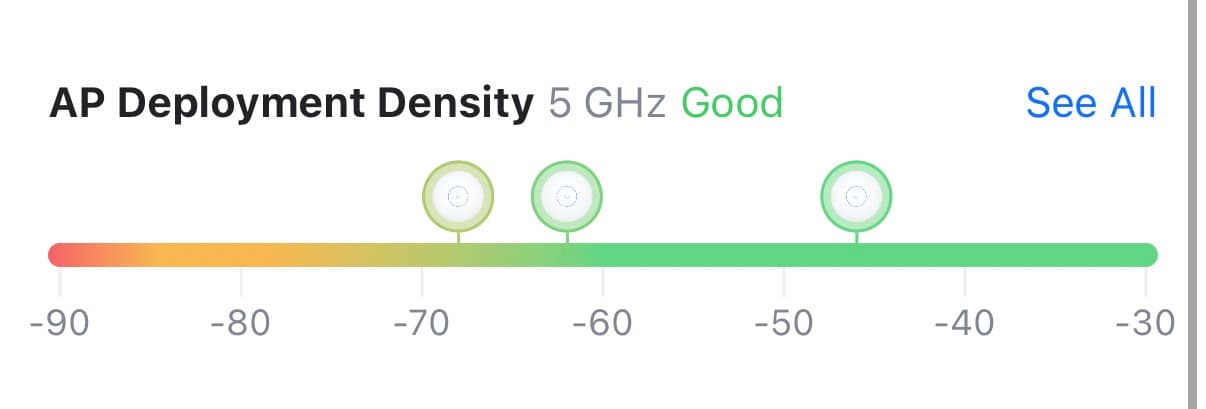
- Three access points that are fully wired in, strong signals covering the entire house. Not perfect, but so much more stable now.
- Mobile app that shows network details at a glance, notifying me if something goes offline or looks suspicious.
- Ability to further fine-tune the home network, and further expand/improve the home network in the future (homelabbing is on the todo list).